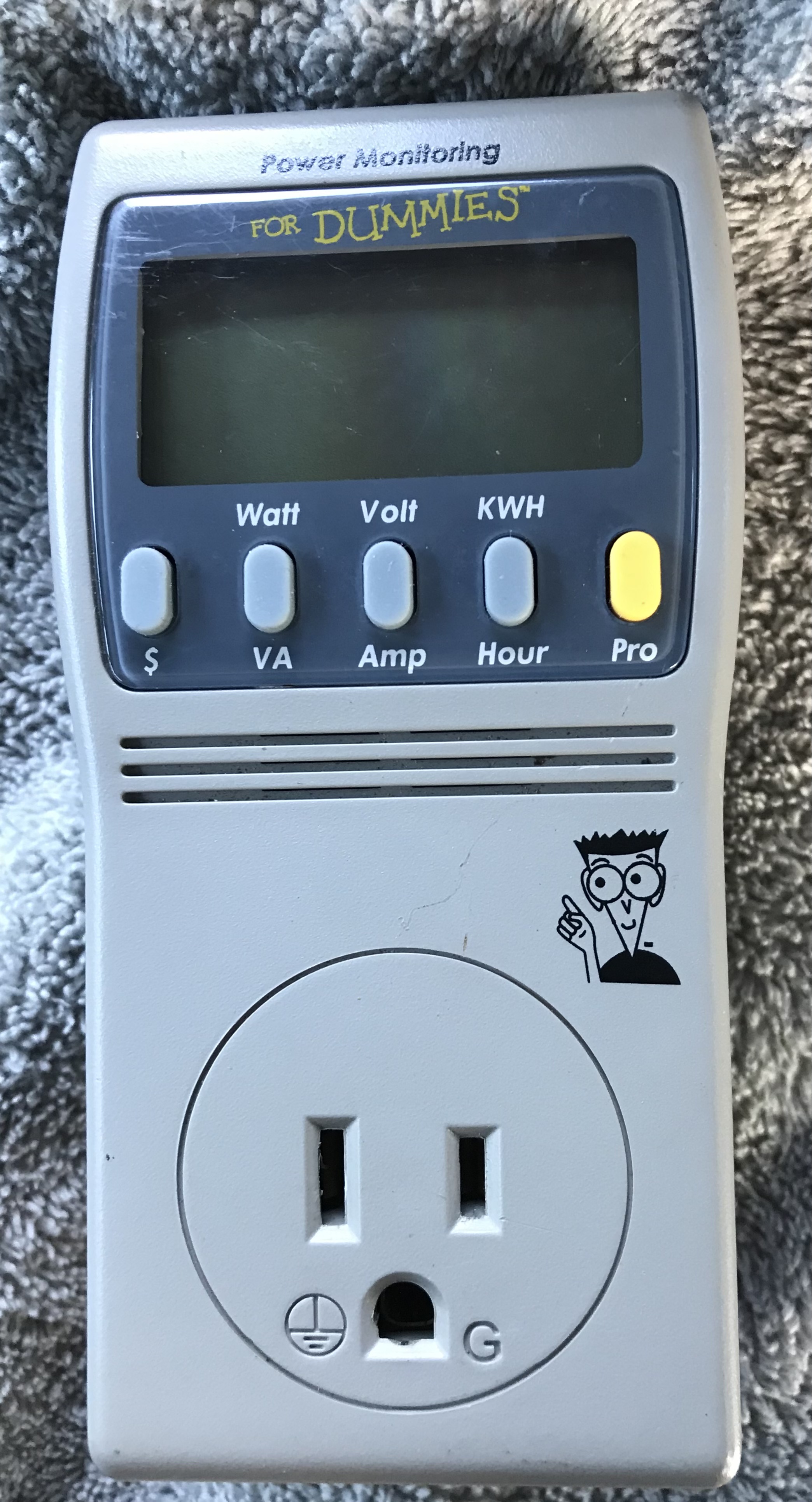
Kill A Watt Power Monitoring for Dummies Cheatsheet P4455
I picked up power meter for a few bucks at a yard sale, etc. It’s a Kill A Watt(R) model, says Power Monitoring FOR DUMMIES and is identified as model P4455 Power Monitoring for Dummies(TM)
It did not come with the book and there appears to be no manual for the thing so here is the notes I am making and reverse engineering what I found so far. Since I am not finding it necessary I have to find this “book” on how to use this thing.
Here are the things one might need to do that are not obvious as indicated by the buttons and what’s displayed on the screen.
Reset the meter basically a zero out of the accounting and timers and power consumption
-
Plug in to AC Power should display “Std” on the screen.
-
Press the “Pro” button one time and release, device will display “Pro” on screen
-
Press and hold the button with KWH/ Hour OR you may also use the Volt / Amp and hold. Screen will display “CLr” then you may release the button.
Setting the Rate as provided on your eclectic bill
-
Plug in should display “Std” on the screen.
-
Press the “Pro” button one time and release
-
Press and hold $ Button OR Watt/ VA button. Rate will flash on the screen.
-
Press the buttons as indicated on screen with arrows above them to adjust the rate up or down to where you need it
-
Press “Pro” button when done.